

Tips To Successfully Record Your Screen
There are lots of reasons it can be useful to record your screen activity, either in the workplace or at home. A screen recorder allows you to capture everything that is happening on your screen.
This can be extremely useful if you wanted to provide a clearer guide for the use of different apps. You can literally walkthrough the process on your screen which makes it much easier for others to understand.
Or you might want to use a screen recorder to capture meetings you have online. During the meeting you might miss out on vital cues that might give you a greater understanding about how your staff are working together.
Preparation Is Key
Unfortunately, a screen recorder will also show the parts of your screen you might not want on display. For example, your desktop background photo (if you have a more personal one) and any notifications that pop up during the screen recording. So, prepare in advance of recording your screen.
Perhaps disable notifications from anything not relevant to the content you want to show. Also, if like me you have an incredibly messy desktop screen, then it would be best to put everything tidy in folders when you’re navigating around the screen. You want to give the impression you are well organised and professional when others are watching. Plus, you do not want distractions getting in the way of the content you want to deliver.
Plan ahead what you want to saw when recording your screen. Having a script ready with make sure you do not have any uncomfortable pauses or moments of confusion. You want the experience to be quite slick and professional if you are teaching others how to use something.
Which Screen Recorder To Use?
There are lots of Windows 11 screen recorders out there, so it can be confusing deciding which to use. Some have easy to use interfaces, others allow screen captioning or zooming whilst recording. So, it might be worth downloading a few different options and playing around with the free trials to see which suits you and your needs best before purchasing.
Buy An External Microphone
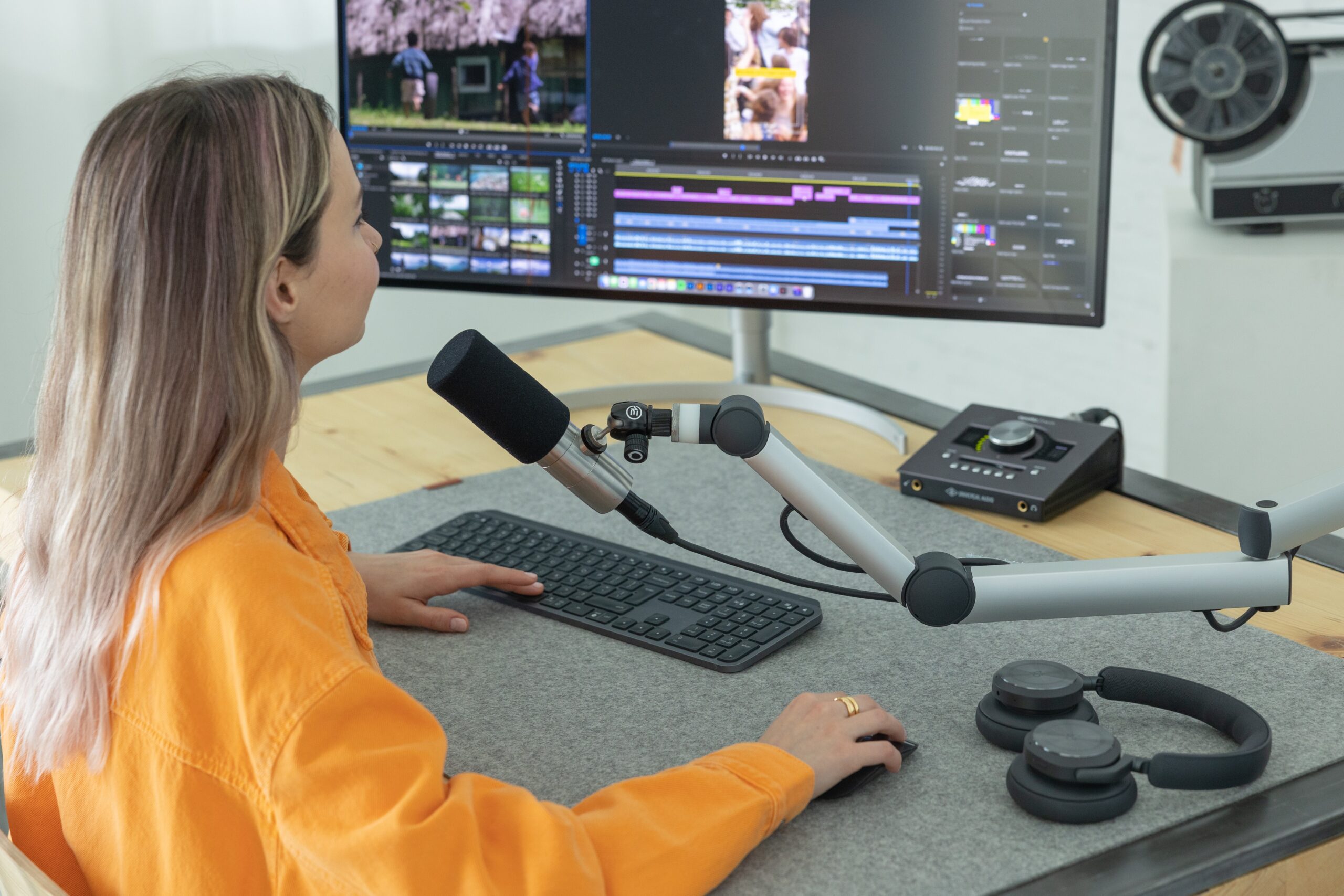
To improve audio quality, you can also use an external microphone which will deliver better sound. This article with the best USB microphones might help you with your search.
Also think about microphone placement. You do not want the microphone too close to the person speaking or it can distort the sound. However, you also do not want the microphone too far away at the risk of the speaker sounded too quiet.
Be Aware Of Background Noise
There are lots of noises you might not realize are impacting your recording sound quality. So, aim to record in a quiet room away from any distractions. It is best to turn off fans and close any windows to avoid traffic sounds.
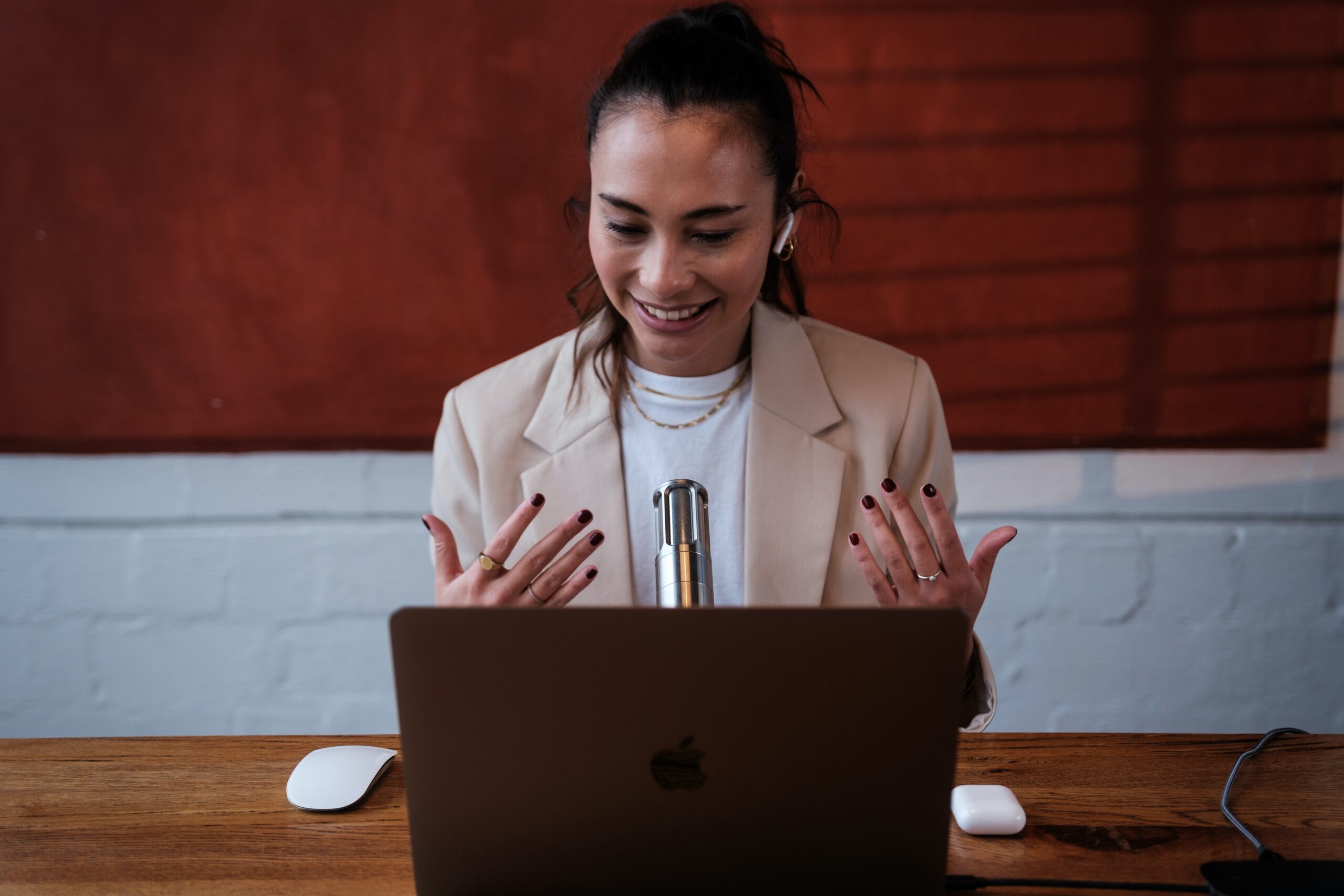
Recording your screen outdoors can be more problematic. Sometimes you don’t even realize how noisy the wind can be!
Take It Slowly
When you navigate the mouse around the screen do it slowly so that your viewers when you record your screen can follow what you are up too.
Fix Mistakes
The screen recorder you eventually settle on should allow you to edit your content. Then if you mis-click or say the wrong thing its not a problem and easy enough to remedy.